Date and time preferences
How to set your calendar view, week start, time format, date format, and timezone.
Written By Ally | Team Assistant
Last updated 8 days ago
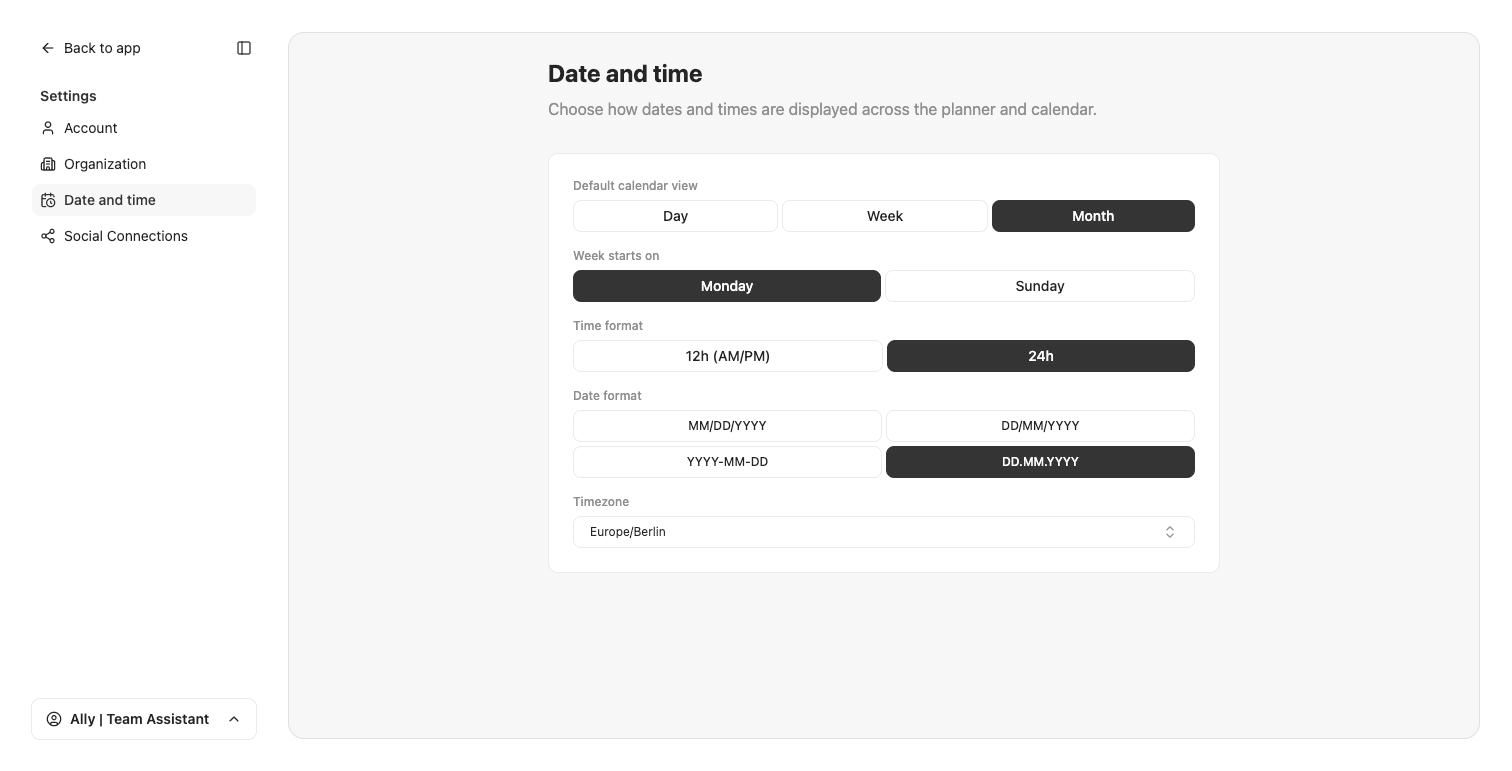
Open Settings, then Date and time. These choices control how dates and times are displayed across the Planner and calendar.
What you can set
Default calendar view: Day, Week, or Month.
Week starts on: Monday or Sunday.
Time format: 12h (AM/PM) or 24h.
Date format: MM/DD/YYYY, DD/MM/YYYY, YYYY-MM-DD, or DD.MM.YYYY.
Timezone: pick your timezone. This is what auto-posting and scheduling use.
Selections apply as you choose them; there is no separate save button on this page.
Related articles
The workspace menu (bottom-left) · Account settings · Organization settings
Was this helpful?
Still need help? Share an idea