LinkedIn Content, Right Where You Work

Whaaat AI agents can now scrape LinkedIn profiles, posts, and company pages directly in the chat, so you can use real LinkedIn content as source material for any task.
Paste a LinkedIn URL, and your agent pulls the content right away. From there, use it to write outreach messages, repurpose posts, research people or companies, build competitor summaries, or anything else your workflow calls for. 🙌
This works for:
LinkedIn profiles (/in/...)
LinkedIn posts and updates
LinkedIn company pages (/company/...)
No copy-pasting. No switching tabs. You bring the link, the agent handles the rest.
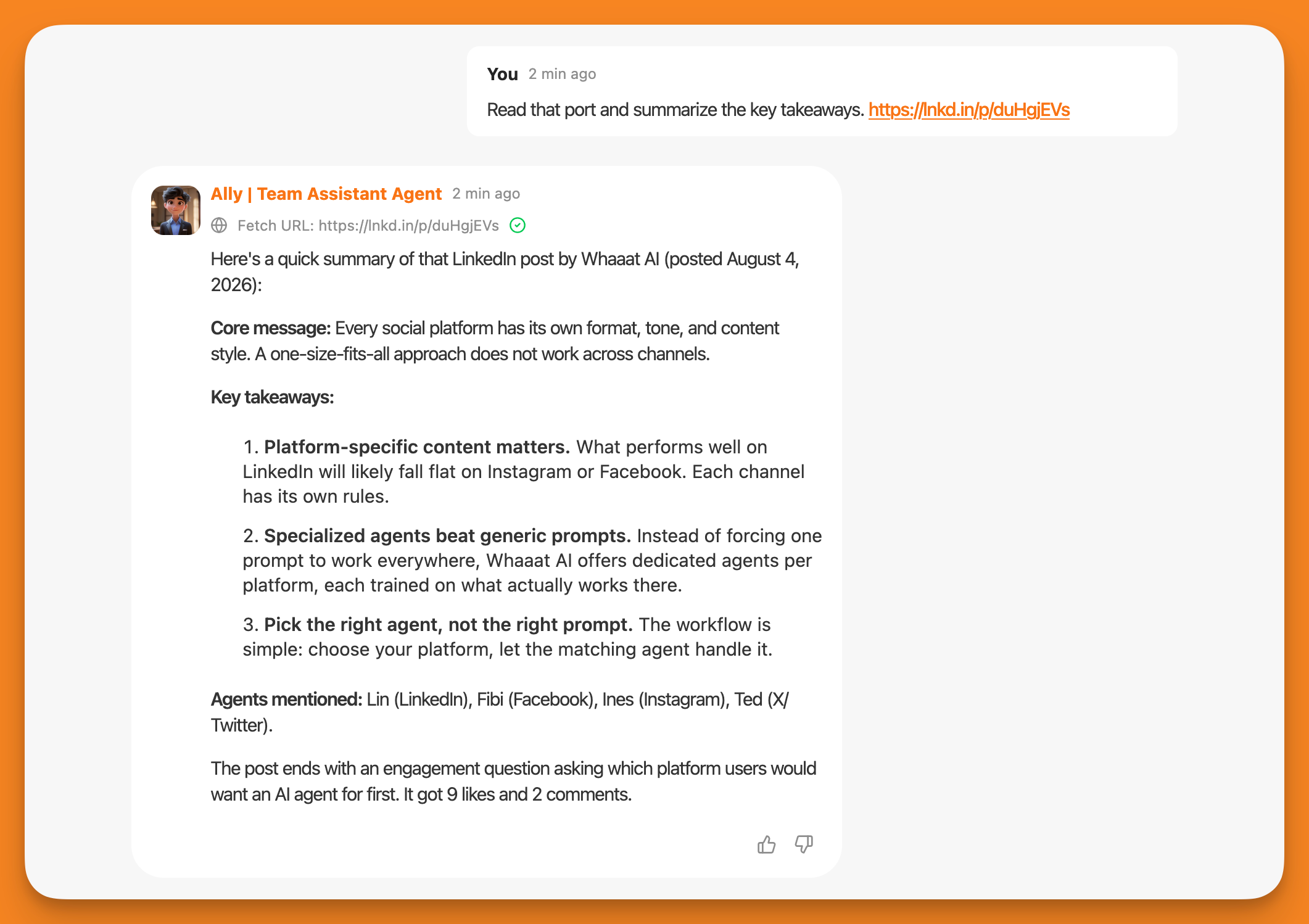
Why it matters: LinkedIn links are the most-used URLs our agents receive in conversations. That told us one thing clearly: you're working with LinkedIn content every day. Now your agents can actually work with it, too.
Available now for all Whaaat AI users.